Dylan K. Picart
In many organizations, particularly nonprofits and educational institutions, data migration is more than just transferring files. It involves maintaining trust, ensuring accuracy, and protecting sensitive information while empowering staff with ease of access and readability, even for those who lack a background in data management.
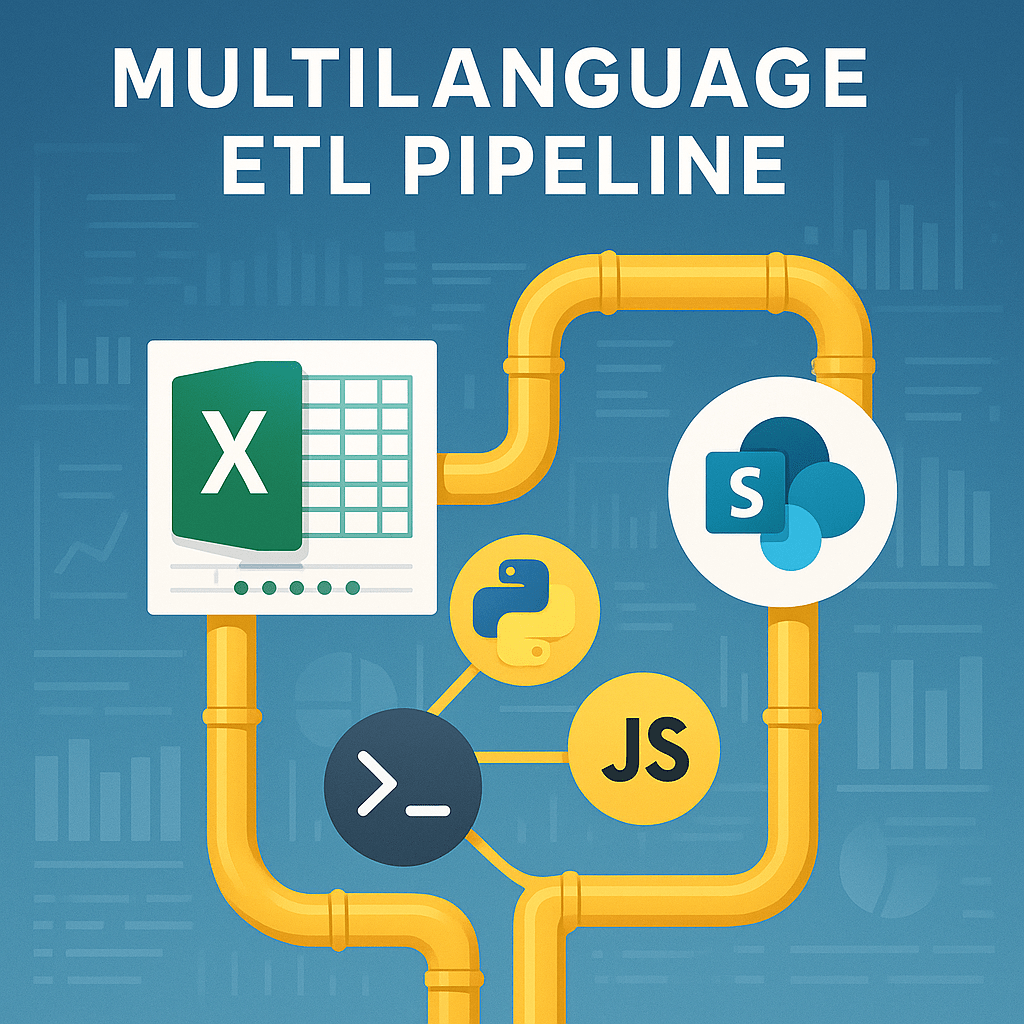
At Partnership With Children, this challenge took the form of moving years of operational data from Bonterra Apricot to Salesforce—a critical modernization effort that required balancing automation with accountability. To make that transition efficient and transparent, I developed a Lightweight ETL (Extract, Transform, Load) Pipeline that automates every step across Excel, PDF, and SharePoint while maintaining the clarity staff depend on.
The Vision: Human-Centered Automation
“If a staff member can open an Excel file and click a link, they should already have everything they need.”
Behind that simplicity lies an intelligent framework that:
- Extracts checked rows from Excel workbooks
- Downloads PDFs through secure, automated browser sessions
- Generates clean hyperlink sheets in Excel
- Uploads files to the appropriate SharePoint folders for review and validation
This transforms a multi-system migration into a human-friendly experience—where users engage through familiar Excel workbooks while complex background tasks ensure accuracy and structure.
Why Multilingual Design Matters
No single language can handle every part of a migration pipeline effectively. This project uses Python, Bash, and JavaScript (Puppeteer), each chosen for its strength:
| Language | Purpose | Why It Matters |
|---|---|---|
| Python | Data extraction, transformation, and hyperlink generation | Manages Excel logic, ensures formatting consistency, and links files accurately |
| Bash | Workflow orchestration | Automates cross-language execution with one command, ensuring reproducibility |
| JavaScript (Puppeteer) | Secure PDF downloads from authenticated portals | Replicates browser behavior to collect files safely from web systems like SharePoint |
This multilingual architecture provides flexibility and resilience—allowing each component to evolve independently as systems like Salesforce or SharePoint update over time.
Directory Structure
A clear folder layout keeps the pipeline predictable, secure, and easy for anyone on the team to use. Here’s the structure I designed and why it matters:
excel_sharepoint_etl/
├── .env                                  # Environment configuration (e.g., SharePoint URLs, local paths)
├── .gitignore                            # Files and folders to ignore in version control
├── config.json                           # Confidential configuration file (ignored by Git)
├── cookies.json                          # Cookies required for authentication
├── add_trusted_location.reg              # Optional: Windows Registry file to trust the project folder
├── scripts/                              # Bash and orchestration scripts
│   ├── run_all.sh                        # Main pipeline script that executes the entire process
│   ├── check_env.sh                      # (Optional) Script to verify environment setup
│   └── bootstrap.sh                      # Sets up the virtual environment and installs dependencies
├── python/                               # Python scripts for data processing and hyperlink generation
│   ├── add_hyperlinks.py                 # Creates hyperlink sheets for individual Excel sheets
│   ├── load_config.py                    # Alternative or updated version for hyperlink generation across all sheets
│   └── extract_checked.py                # Extracts checked rows from Excel and generates CSV files
├── js/                                   # JavaScript code for browser automation (Puppeteer)
│   └── download_pdfs.js                  # Downloads PDFs from URLs listed in CSV files
├── data/                                 # Data generated and used during the pipeline
│   ├── csv/                              # CSV files (e.g., to_download_*.csv) generated from Excel data
│   ├── pdfs/                             # Downloaded PDF files stored in respective subfolders
│   └── failed_downloads.csv              # Log file for any PDF download errors
├── logs/                                 # Detailed logs of pipeline executions
└── requirements.txt                      # Python dependency list
Justification of the structure
- Separation of concerns: Each language has a home (
python/for data shaping & hyperlinking,js/for browser automation,scripts/for orchestration). That keeps responsibilities clear and reduces accidental coupling. - Environment safety: Secrets and environment values live in
.envandconfig.json(both ignored by Git), while.gitignoreprevents credentials, cookies, and local artifacts from leaking into version control. - One-command operations:
run_all.shcoordinates the full pipeline (extract → download → hyperlink).bootstrap.shmakes setup repeatable;check_env.shcatches misconfiguration early. - Data lineage by folder:
data/csvanddata/pdfsseparate intermediate CSVs from final artifacts, andfailed_downloads.csvprovides an immediate audit of what to retry or investigate. - Observability: Centralized
logs/(paired with rotating file handlers) gives non-technical staff and engineers a single place to verify runs, spot errors, and track history. - Principal of least privilege: Sensitive mappings stay out of code in
config.jsonand are referenced at runtime. The optionaladd_trusted_location.regimproves Excel usability without weakening SharePoint permissions. - Onboarding & maintainability: New contributors can understand “what runs where” at a glance. This reduces context-switching and makes reviews and handoffs smoother.
- Production readiness: Clear boundaries (Bash <-> Python <-> JS) make it easier to containerize or schedule discrete steps, and the structure scales well as sheets, folders, and SharePoint locations grow.
In short, the structure encodes process: where to configure, where to orchestrate, where to transform, and where to look for outputs and logs. That consistency turns a complex, multi-language ETL into a workflow that anyone on the team can trust and run.
Under the Hood: How the Pipeline Works
- Extract the Essentials
From an Excel file, Python isolates only the rows marked for migration, targeting verified data ready for transfer. - Download at Scale
Node.js and Puppeteer log into secure portals to fetch thousands of PDFs that would otherwise require hours of manual clicks. - Rebuild Context
Python regenerates Excel sheets with SharePoint hyperlinks so users can trace every record back to its source document. - Orchestrate and Automate
Bash scripts coordinate the entire flow—processing multiple sheets and subfolders in one run.
The outcome: a repeatable, auditable migration process that compresses what once took weeks to months into a single ten-minute execution.
Built for Real-World Migration Challenges
Large data migrations require both technical precision and human readability. This pipeline bridges that gap through:
- Human-readable configuration via
.envandconfig.jsonfiles for secure environment management - GUI interface (Tkinter) so non-technical staff can initiate runs with a single click
- Structured logging and error tracking to support accountability and quality control
- Excel Trusted Location automation to avoid security warnings for generated files
Whether migrating records from Apricot Bonterra or syncing Salesforce exports, this design ensures clarity and confidence at every step.
Security and Responsible Handling
Migration projects often involve personally identifiable or sensitive program data. This pipeline protects those assets through:
- Excluding configurations from version control and public repositories
- Using HTTPS for all data transfer
- Maintaining SharePoint access controls to prevent unauthorized viewing
- Authenticating sessions with secure, time-limited cookies
The result is a migration workflow that is as ethical and secure as it is efficient.
Why It Matters for Large-Scale Data Migration
Manual migration is slow, costly, and error-prone. Each file requires human review and cross-verification. Even small errors can cascade into systemic data inconsistencies.
By automating these tasks, this pipeline reduces migration time from months to minutes while increasing accuracy and auditability. It creates a repeatable, transparent process that organizations can trust when moving critical records into Salesforce.
More than a technical tool, it embodies a commitment to responsible automation—reducing burnout, improving data integrity, and preserving the human context behind each record.
Toward a Culture of Data Empowerment
This project represents a shift toward democratized data systems. By integrating web automation, structured ETL logic, and user-friendly design, it proves that advanced engineering can serve real-world users gracefully.
It shows that data migration can be both technical and humane — combining speed with responsibility to help individuals avoid burnout, teams access essential data as needed, and organizations build trust in their digital transformation journey.
GitHub: View on GitHub
 Dylan K. Picart